THE ONLY BRAND NAME IN SELF LIGHT - UP WHEELS
Home    Company    FAQ    Contact Us    Misc.    Catalog Request    Order    Dealer 


  Quad Skate Wheel
  - Artistic Wheel
  - All Surface Wheel
  - Speed Wheel
  Skateboard Wheel
  In-line Wheel
  - Glare Series
  - Blast Series
   
  Jumbo Wheel
  - Grande Series
   
  BikeLite
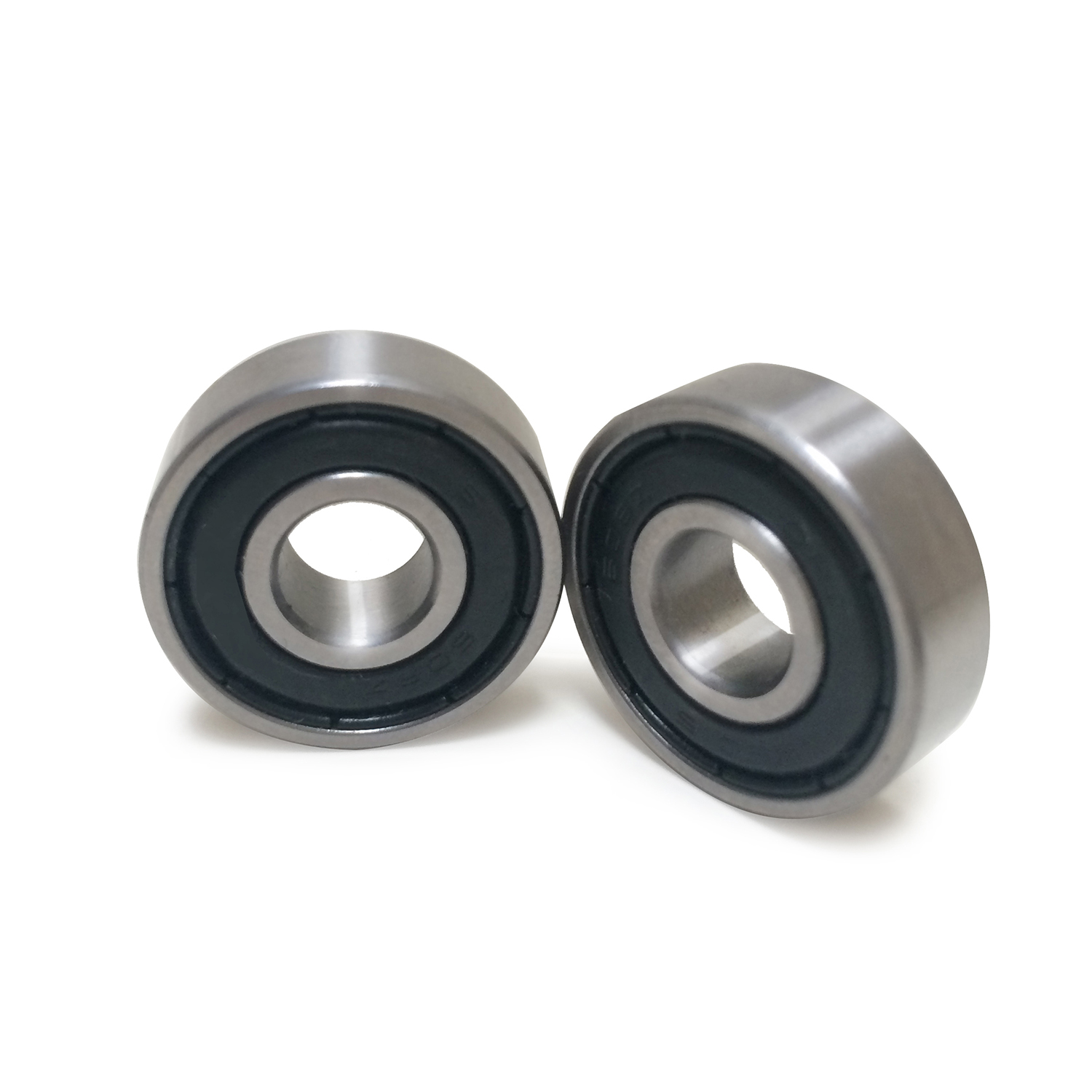
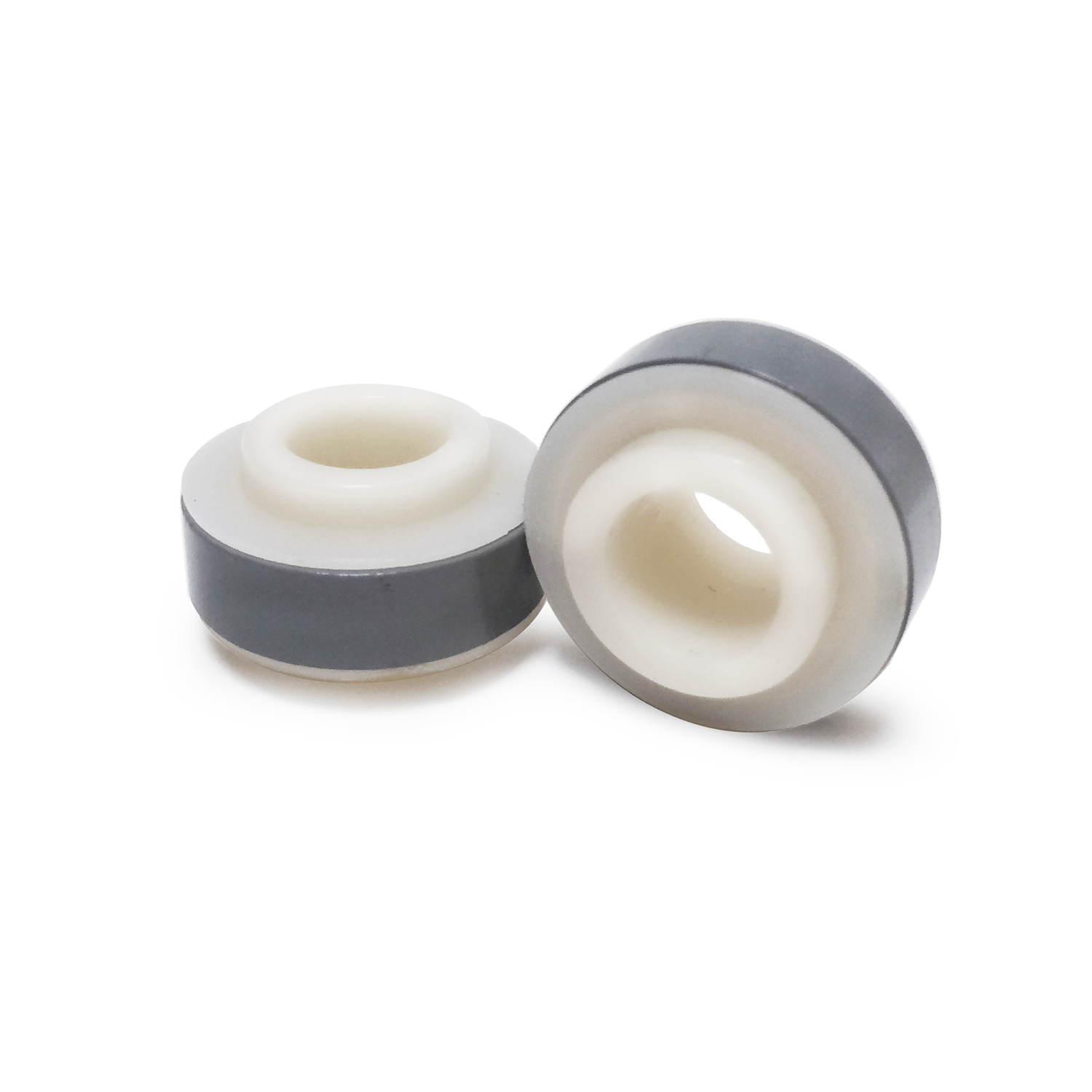
  Bearings
  Parts & Misc.
  Display Units
  Other Applications
  Video Gallery
  Photo Gallery
   
  Dealers
   
Volcanic Wheel > BikeLite > Mounting
How to mount BikeLite
  on your rear wheel
 
Before the installation, please take a look whether your hub has enough space to install BikeLite. BikeLite can be mounted on most of bikes, but not applicable to special hubs such as coaster brake hubs or disc brake.
 

BikeLite Applicable Bike


  BikeLite X is shown above.
   
 
MOUNTING TIPS

A. Remove Rear Wheel
    1. Adjust chain into the least number of teeth for gear.
    2. Losen the brake.
    3. Unscrew the nut on both sides of axle & remove
        or make wheel free to mount BikeLite the wheel.
  P#1: Spacer *
P#1: Nut *           
P#3: Holding Clips *
P#4: Silver Cover
P#5: Inner Bushing for hexa nut
P#6: BikeLite Disc (X or L)
* P#1-3 parts are contained in a plastic bag.
 
B. Mount BikeLite
    1. Insert BikeLite (P6) disc into hub on the other side of gear(Fig.a, Photo A,B)
    2. Adjust your bearing nut to be positioned within + 2mm to -6mm from yoke surface (Fig.b)
    ** a) When the bearing nut is positioned over + 2mm, insert 1 or 2pcs of spacers(P#1) into hub, before
           Bikelite disc inserted(Photo C).
        b) When adjustment on a) does not work out, replace bearing nut with thinner one, 3/8"
            3mm(not included in a pack). Don't adjust bearing cover nut, which can cause friction on
            the hub.
 
  Click on Photos for enlarged photos
     
FIG-A FIG-A FIG-A
     
Photo A Photo B Photo C
      * Spacer if necessary
     
    3. Insert silver cover(P#4) & screw nut(P#2). (Fig. d, Photo D)
        • Too tight screwing to insert silver cover can damage inner bushing(P#5, Photo E)
        • Please turn silver cover back & forth, to check that it is turning smoothly with Axle & lighting
           up perfectly.
 
 
FIG. D FIG. E FIG. F
     
Photo D
6mm nut positioned
Photo E
Tighten up the nut
Photo F
Mount on bike frame
     
Photo G
Insert clip from backside
Photo H
Clip Installed (front view)
Photo I
Screw nut back into frame
   
 
4. Now, you have 3 clips(P#3) to be placed on     Bikelite disc.

        • Each clip should be attached to the spoke,           goingfrom the back of Bikelite disc through           disc
slot and squeezing the clip before           putting it on.(Fig.e, Photo G & H)
Photo J  


Photo K Wheel with Kick Stand
C. Reassemble the wheel --- You are now ready to     reassemble the wheel!
    1. Assenble by reverse order of REMOVING REAR WHEEL
        when you insert bike wheel back on to frame. Do
        scratchor change original state of silver disc by
        the tools.
    2. Please position the wheel to the center of frame and         check that the wheel is running smooth and the brake is
        working well. (Fig. f, Photo F.I,J)
    3. Attach accessories such as kick stand on rear wheel if
        necessary.
 

    WARNING:
           1. For cleaning, don't use organic solvents such as
               thinner & solvent.
           2. Try to keep Bikelite away from water & fire.

   
  Top
  Copyright © All Rights Reserved. Volcanic Wheel is a trademark of DRI Products. Inc.
Any information displayed on this site is subject to change without notice.